
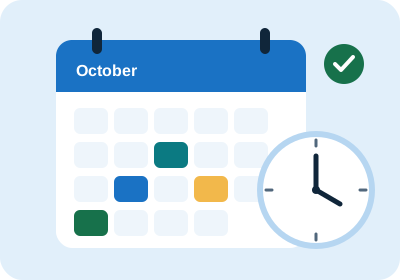
Appointment scheduling
Book, reschedule and cancel visits on a monthly calendar with provider time slots and conflict checks.
Practise patient registration, appointment scheduling, EHR charting and billing on fictional patients in a realistic clinic workspace, then see how you scored.
Accounts are created by your administrator. Fictional data only – never enter real patient information. Want to practise? Email ffnaheedjaved@gmail.com

A Virtual Medical Assistant (VMA) supports clinics remotely. They handle the administrative and documentation work that keeps a practice running, so clinicians can spend more time with patients.
Four connected modules that behave like the systems used in a working clinic.
Book, reschedule and cancel visits on a monthly calendar with provider time slots and conflict checks.
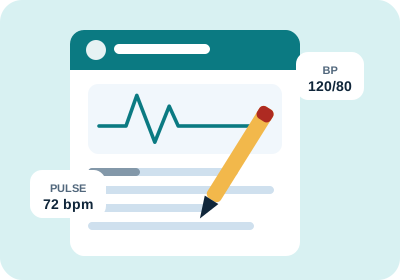
Complete encounters with history, vitals, allergies, medications, clinical notes and lab results.
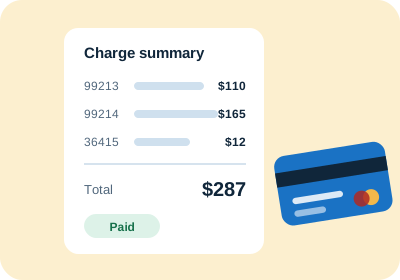
Attach CPT and ICD-10 codes, track insurance and patient payments, and see outstanding balances.

Work through guided scenarios and get an instant score showing what you entered correctly.
From sign-in to feedback in three steps.
Use the username and password your administrator gave you. Each person gets their own workspace.
Register patients, book visits, chart encounters and add charges. Every record you enter is linked to your account.
Run training scenarios, check your scores and revisit the audit trail of what you changed.
The right tools for learners and for the people who run the programme.
Accounts are created by an administrator. If you would like to practise on the simulator, click a button to open a ready-made access request email, fill in your details and send it, and we will set up your login.
Sign in to open your chart workspace, or email ffnaheedjaved@gmail.com to request an account.
Go to sign in